Online ordering for your restaurant.
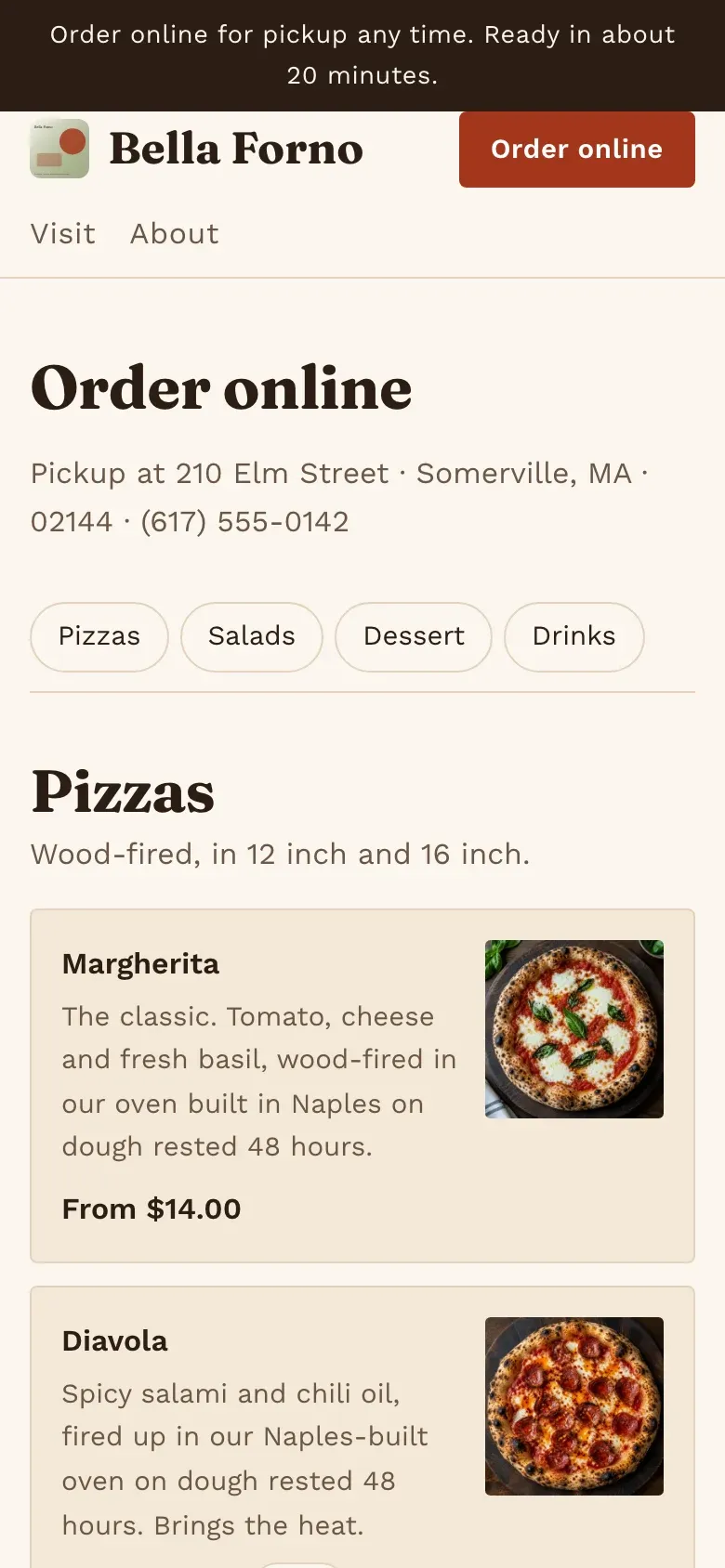
Describe your restaurant, its address and menu. Theo puts the menu online with sizes and extras, and guests order for pickup and pay by card. Ordering runs on ServeStack's engine, which already serves restaurants.
- Free to build
- No card to start
- You approve every change

The team on your store. Each one has one job.
- Theo ProductsYour menu online
Theo puts every dish up with its sizes and extras.
- Felix PagesOrdering pages
Guests order for pickup and pay by card from your own site.
- June CustomersGuests answered
Questions about the menu and pickup times, any hour.
- Omar NumbersThe week's orders
Omar's short note on what sold.



How pickup ordering works
Guests pick from your menu, choose sizes and extras, and pay by card. Each order shows on your dashboard, and you move it from accepted to ready while the guest follows along on their phone.
Built on ServeStack
ServeStack makes software for restaurants and independent businesses, and Steward is its product for selling online. Restaurant ordering runs on ServeStack's engine, so your menu, orders and kitchen all work the way restaurants need. See what ServeStack does for restaurants.
No fee on orders
Restaurants order through ServeStack's ordering with no fee on orders, unlike delivery apps that take a share of each one. Tell us about yours and we'll set the plan up with you.
Questions
No. They order from your restaurant's own website on any phone or computer.
Yes. Ask the team, or edit it on the dashboard; changes arrive as proposals you approve.
There's no fee on orders. Plans for restaurants are set up with you: tell us about yours.
Keep reading
- CoffeeSell your coffee onlineA store for your coffee: whole bean or ground, every bag size priced, shipping policies drafted, and a tested checkout. Built by AI agents from a paragraph.
- AI store builderAn AI store builder that keeps working after launchDescribe what you sell in a paragraph. Steward's AI agents build the store: products, pages, brand, policies and a tested Stripe checkout. You approve every change.
- GuideHow to start an online store, step by stepTen steps to start an online store: choose what to sell, price it, name the store, set up payments, policies and shipping, launch and get your first customers.
- Shopify alternativeSteward or Shopify? An honest comparisonAn honest comparison of Steward and Shopify: what each costs, who builds the store, and when Shopify is the better choice. Prices checked November 2026.